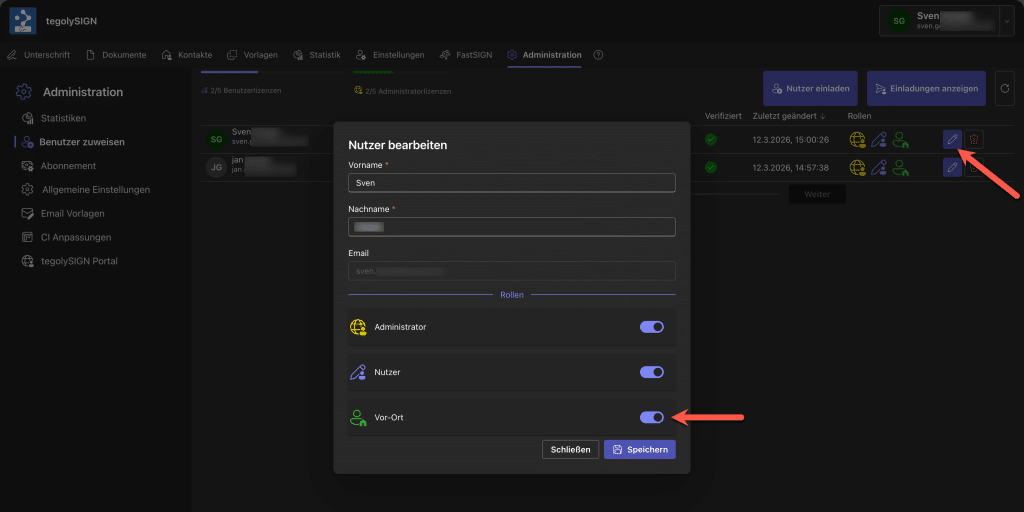
With this function, it can be determined which internal user is allowed to manage the on-site processes and can then open them for signature.
The first thing to do is to create the users for the on-site signature. To do this, proceed as follows:
For M365 users #
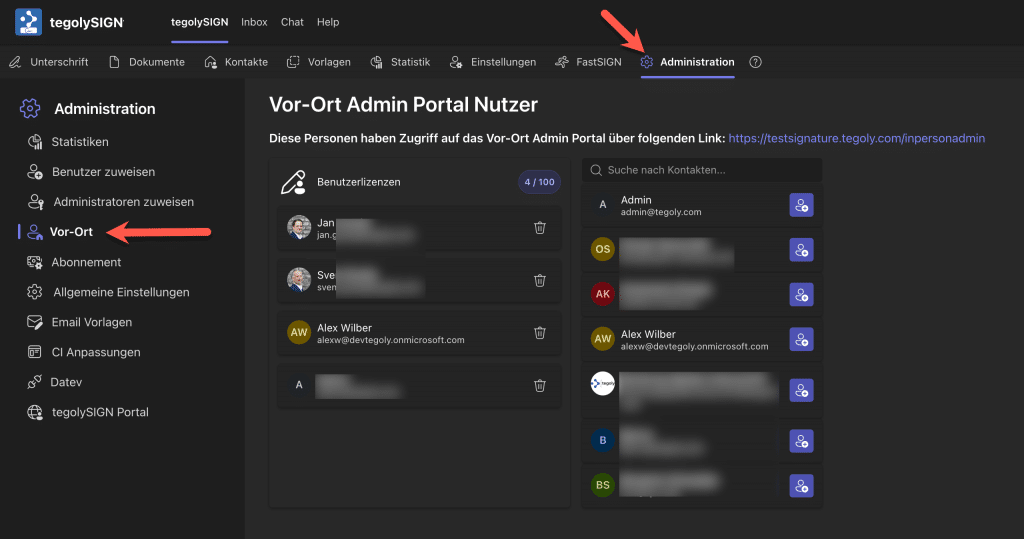
Go to the administration and there under on-site. You can easily select the users on the left and add them to the on-site admin list. To do this, click on the  .
.
For users who sign up with their email address: #
Go to the administration and there under on-site. You can invite users for on-site administration via email (click here for instructions).
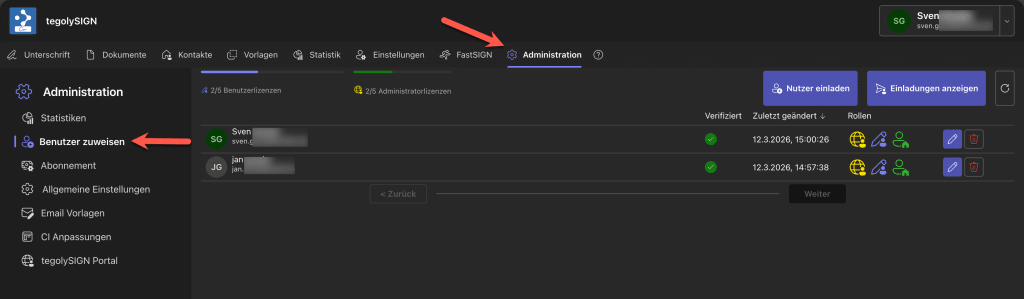
You can then assign the user the On-Site role.