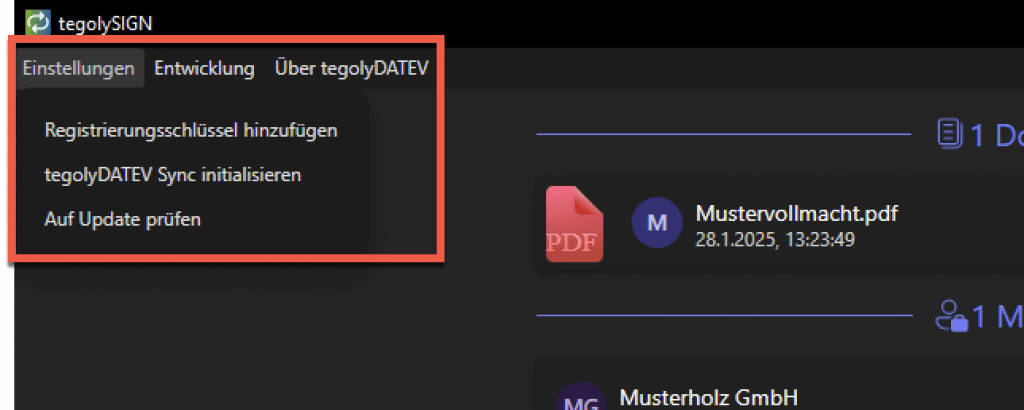
Transfer documents from DATEV #
When documents are handed over from the DATEV, tegolyDATEV opens and clients can be selected to whom documents should be sent for signature. How documents are handed over can be found here: https://doc.tegoly.com/docs/datevuser/dokument-aus-datev-zur-unterschrift-uebergeben
In this window, you can choose the email address and phone number stored in the DATEV master data.
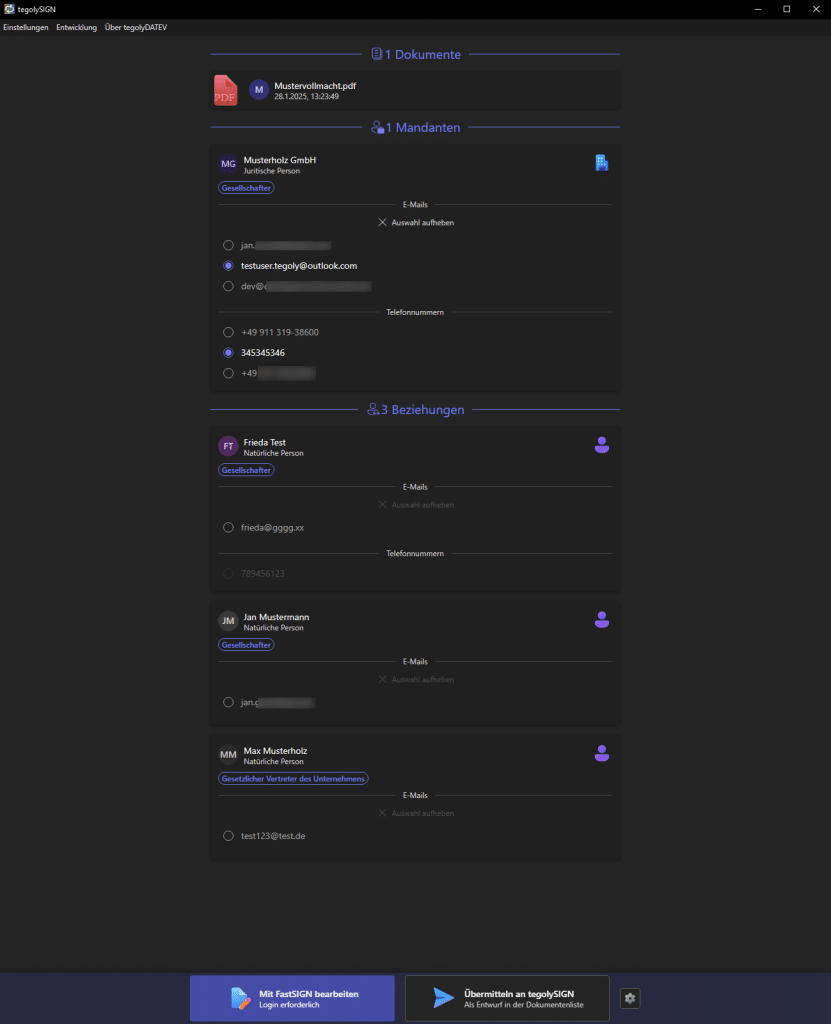
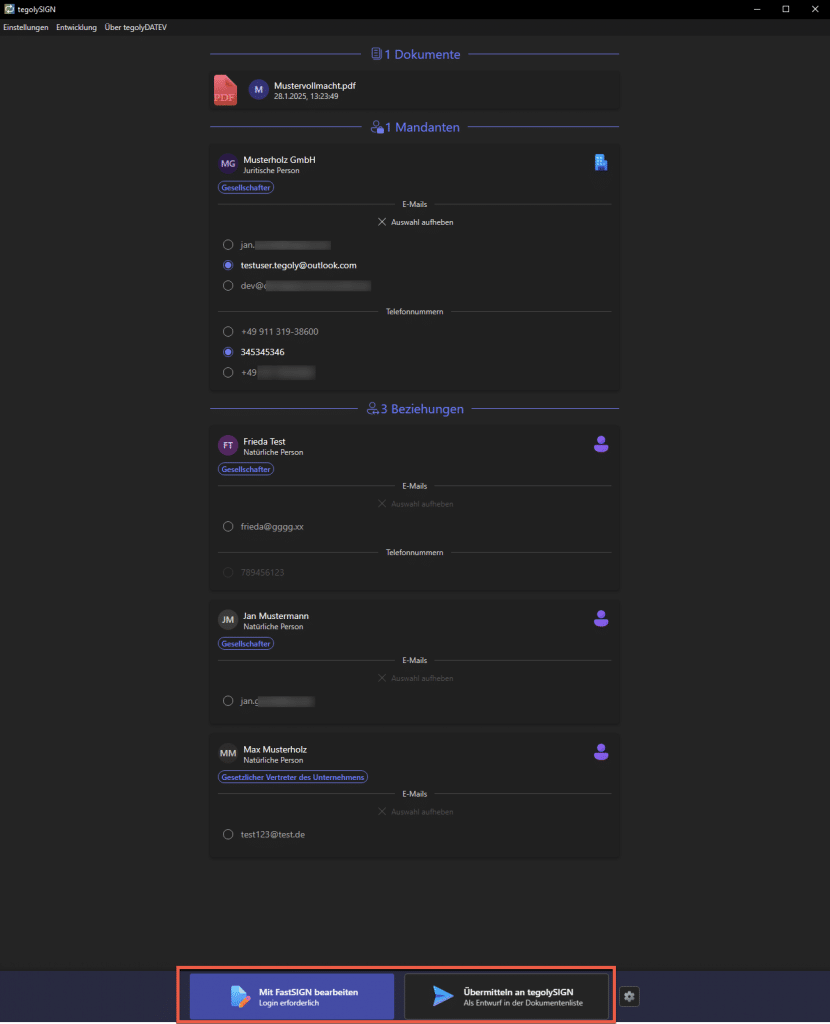
After the data has been selected, there are two ways to edit the documents.
FastSIGN offers a quick way to send the document. You can find more about this here: https://doc.tegoly.com/docs/tegolyuser/fasts
The second option is editing with tegolySIGN. This is the classic way and you have many settings and editing options. Here is the guide: https://doc.tegoly.com/docs/tegolyuser/unterschreiben-mit-tegolysign
Settings #
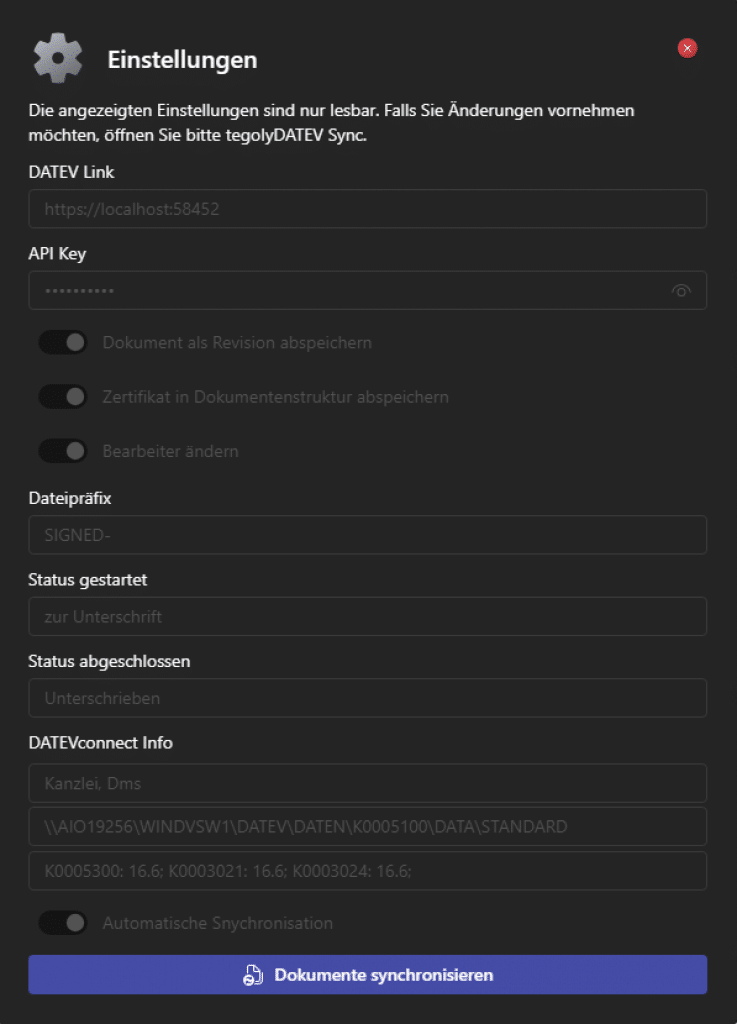
You can control the settings in tegolyDTEV. To do this, go to the gear icon. No settings can be changed here.
Only the synchronization of documents can be initiated via a Synchronize Documents button.
Additional settings #
Further settings can be made.