Skip to content
tegolySIGN
tegoly Support German
View Categories
  • Home
  • Docs
  • tegolySIGN users

Edit templates

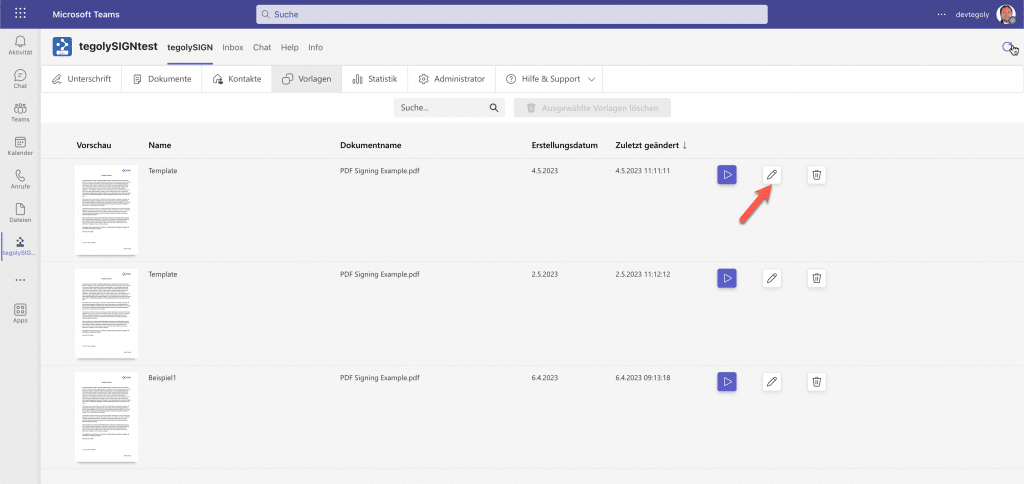
You can edit your templates at any time and add or remove more fields. To do this, go to the pencil icon.

In the “Edit Template” view, you can delete, add, or add fields. When you’re done, go to “Storage”. Ready!
Hat Dir dieser Artikel geholfen?

  • Happy
  • Normal
  • Sad
Send TemplatesCreate Templates
tegolySIGN

© 2026 tegolySIGN