Vertreterregelung #
With the representative regulation, you can specify who will represent you in your absence and who will have access to your signature processes. The representative can then fully access and administer your processes in your absence. Users cannot represent each other.
If you want to use it, go to the menu under Settings and select Substitute Policy on the left.
Then activate the function with the switch “Activate substitution”.

All users of tegolySIGN will be displayed and you can select a representative.

Once you have selected a representative, you can set a time period. When you enter a start and end date, the feature starts and ends automatically (like an out-of-office message for emails).

You can also set an unlimited period of time by simply selecting the switch.

Finally, click on ‘Save’. That’s it.
Notifications #
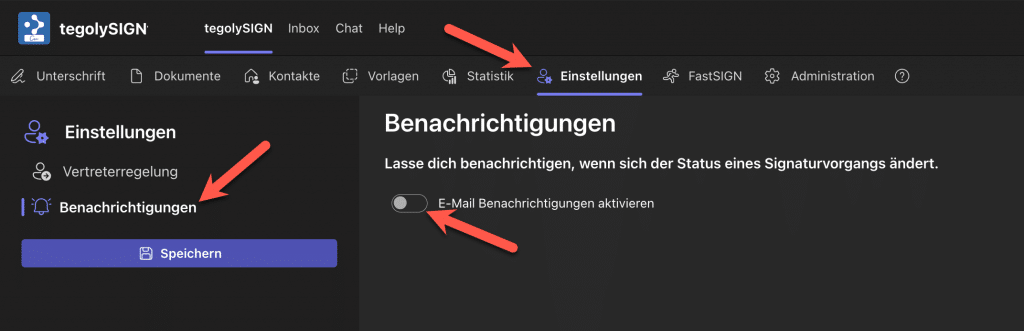
Here you can specify that an e-mail is sent every time the document status changes. This way you stay informed about the current status at all times.
To do this, go to the personal settings – notifications and activate it via the switch. Don’t forget to save .